


You want the convenience of locking your door with your phone or a code. But you worry about security or if a smart lock is hard to install. The truth is, today’s electronic door locks are safer and simpler than you think.
Forget fumbling for keys in the dark or worrying about lost keys. A keyless entry system gives you control from anywhere. In 2026, these locks are built for real people with real homes.
Why Choose a Smart Lock with Keypad or Fingerprint Scanner?
The best electronic door locks offer multiple ways to get in. You can use a code, your fingerprint, or your phone. Many models have a physical key override for backup, so you are never locked out.
Look for an ANSI/BHMA Grade 1 rating. That is the highest residential security level, meaning the lock is tough against forced entry. Brands like Schlage and Yale offer Grade 1 smart locks with Wi-Fi or Bluetooth connectivity.
Battery life is a key factor. Most smart locks last 6 to 12 months on a set of batteries. They send low-battery alerts to your phone before they die. Some models even let you use a 9-volt battery on the outside to power up temporarily.
| Product | Average Price ($) | Highlight |
|---|---|---|
| ‘eufy Smart Lock C220’ | ‘98.48’ | ‘N/A’ |
| ‘TP-Link Tapo DL110 Smart Wi-Fi Door Lock’ | ‘109.99’ | ‘N/A’ |
| ‘Schlage Camelot Accent Keypad Entry with Flex Lock’ | ‘145.98’ | ‘N/A’ |
| ‘August Wi-Fi Smart Lock’ | ‘199.99’ | ‘N/A’ |
| ‘Schlage Encode Plus Smart WiFi Deadbolt’ | ‘289.36’ | ‘N/A’ |
| ‘Yale Assure Lock SL – Key Free Touchscreen’ | ‘249.00’ | ‘Sleek, key-free design’ |
| ‘Kwikset Halo Touchscreen Wi-Fi Deadbolt’ | ‘229.00’ | ‘Built-in Wi-Fi, no hub needed’ |
| ‘Wyze Lock Bolt’ | ‘89.99’ | ‘Affordable Bluetooth option’ |
| ‘Ultraloq U-Bolt Pro’ | ‘229.99’ | ‘6-in-1 keyless entry’ |
| ‘Lockly Secure Pro’ | ‘279.00’ | ‘Fingerprint and PIN Genie technology’ |
WHAT REALLY WORKS
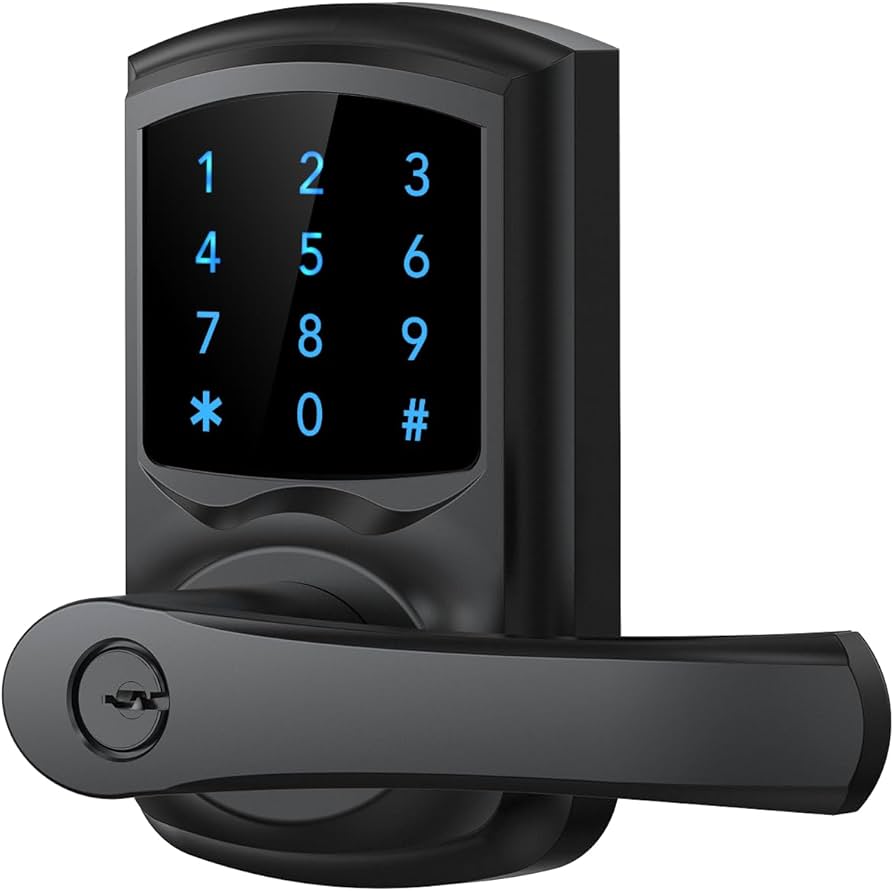
Electronic door locks bring modern convenience and security to your home. They replace traditional keys with keypads, fingerprint scanners, or phone apps. This means no more fumbling for keys in the dark.
Many smart locks offer remote access via Wi-Fi. You can lock or unlock your door from anywhere using your phone. Some even track who enters and when, which is great for families.
Smart Lock with Keypad for Easy Access
When choosing a smart lock with keypad, look for ease of use and security. Ensure the numbers are spaced well and the keypad is durable. Consider how many codes you can program for family and guests. A good keypad entry system is reliable in all weather.
Read also: 53 Fire Bowl Ideas That Won’t Rust or Collect Dust in 2026
1. Wyze Lock Bolt
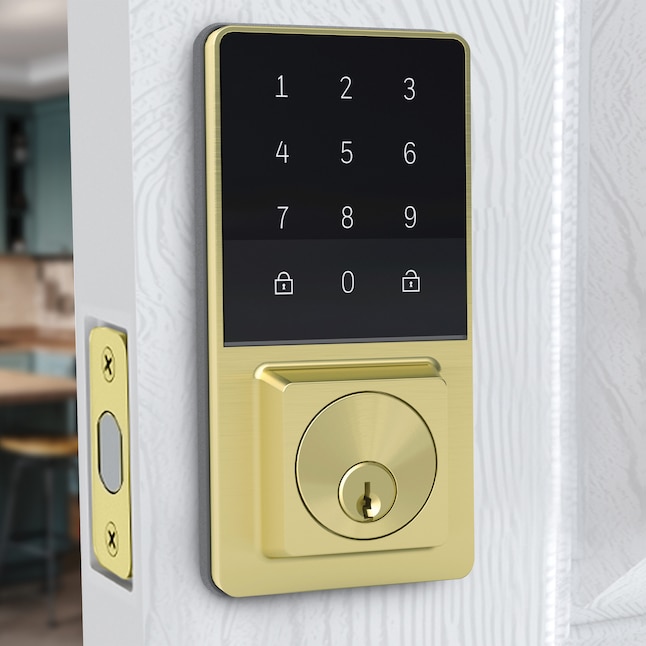
This is a budget-friendly option for basic keyless entry. It uses Bluetooth for access, making it simple to use with your smartphone. It’s a good starting point for those new to smart locks.
Average Price: $89.99
Practical Tip: Best for secondary doors or if you primarily use your phone to unlock.
2. eufy Smart Lock C220
This lock offers a balance of features and price. It often includes fingerprint access and app control. It provides a step up in convenience from basic Bluetooth locks.
Read also: 51 Cube Organizer Shelf Ideas to Declutter Every Room in 2026
Average Price: $98.48
Practical Tip: Check if it meets your needs for multiple user codes or remote access.
3. TP-Link Tapo DL110 Smart Wi-Fi Door Lock
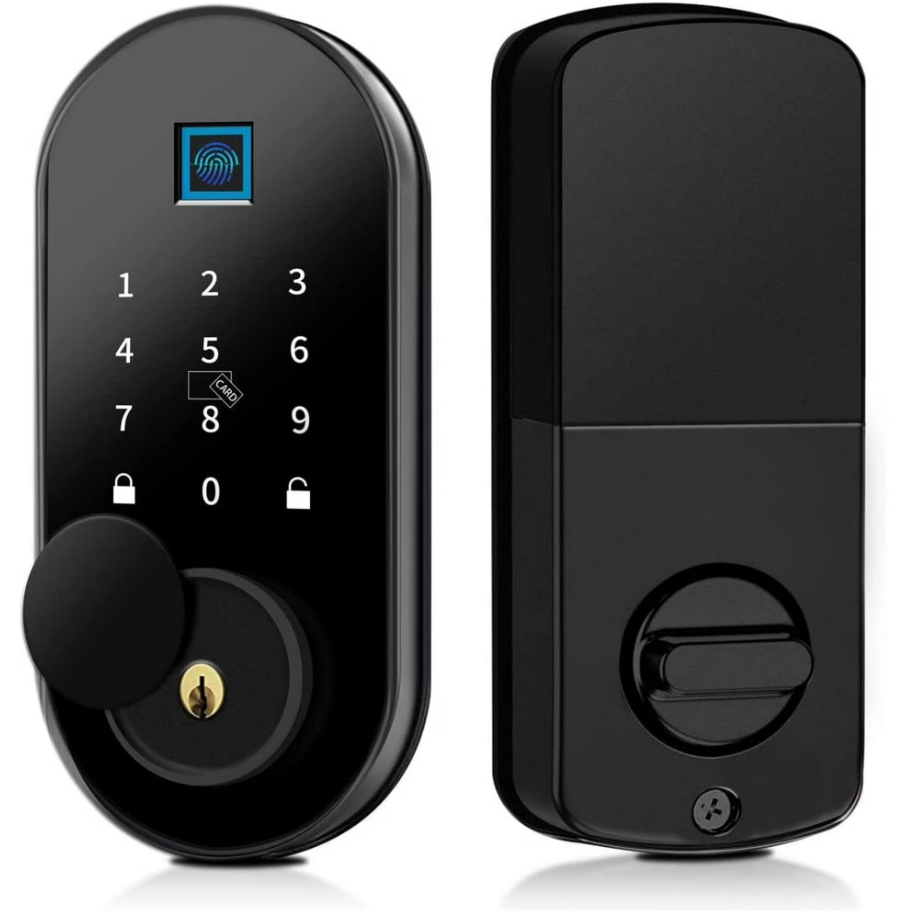
This smart door lock connects directly to your Wi-Fi. It allows for remote control without needing an extra hub. It’s a convenient way to manage access from your phone.
Average Price: $109.99
Practical Tip: Ensure your Wi-Fi signal is strong at the door for reliable connection.
4. Schlage Camelot Accent Keypad Entry with Flex Lock
Schlage is a trusted name in locks. This model offers keypad entry and a flexible design. It provides solid security for your main entrance.
Average Price: $145.98
Practical Tip: This is a good choice for reliable, keyless entry without complex smart features.
5. August Wi-Fi Smart Lock
This smart lock is known for its easy installation. It retrofits over your existing deadbolt. It offers Wi-Fi connectivity for remote control and integrates with smart home systems.
Average Price: $199.99
Practical Tip: Great for renters as it doesn’t require changing the exterior of your door.
6. Kwikset Halo Touchscreen Wi-Fi Deadbolt
This electronic deadbolt features a touchscreen keypad and built-in Wi-Fi. You can control it directly from your smartphone. It offers a sleek look and strong security.
Average Price: $229.00
Practical Tip: Consider this if you want a modern look and direct Wi-Fi control.
7. Ultraloq U-Bolt Pro
The Ultraloq U-Bolt Pro is a versatile keyless entry system. It offers multiple ways to unlock, including fingerprint and a keypad. It provides robust security for your front door.
Average Price: $229.99
Practical Tip: Its 6-in-1 access method makes it suitable for various user preferences.
8. Yale Assure Lock SL – Key Free Touchscreen
This is a key-free electronic deadbolt with a modern touchscreen. It offers a clean look and reliable operation. It’s a secure and convenient upgrade for your main entrance.
Average Price: $249.00
Practical Tip: Ideal if you prefer a completely keyless experience and a minimalist design.
9. Lockly Secure Pro
Lockly offers advanced security features. It includes a fingerprint scanner and a unique PIN Genie keypad. This smart lock provides enhanced protection for your home.
Average Price: $279.00
Practical Tip: The PIN Genie feature helps prevent fingerprint smudges from revealing your code.
10. Schlage Encode Plus Smart WiFi Deadbolt
This high-end smart lock boasts Wi-Fi connectivity and Apple HomeKey support. It offers top-tier security and seamless integration with Apple devices. It’s a premium choice for smart home enthusiasts.
Average Price: $289.36
Practical Tip: Excellent if you are invested in the Apple ecosystem and want advanced features.
WHICH ONE TO BUY TODAY?
For the best value, the TP-Link Tapo DL110 or the Kwikset Halo offers a great combination of features and price. They provide reliable Wi-Fi connectivity and smartphone control without breaking the bank. These are excellent choices for most homeowners.
The best investment for long-term security and smart home integration is the Schlage Encode Plus Smart WiFi Deadbolt. Its high security rating, advanced features like Apple HomeKey, and trusted brand name make it a top-tier choice. It offers peace of mind and cutting-edge technology.
Read also: Why Your Outdoor Freezer Keeps Failing (And How to Fix It)
First Steps with Your Electronic Door Lock
You just got your new electronic lock. Now follow these steps to set it up safely.
What to Check Right Away
- Inspect the box for damage. If the package is crushed, the lock may be compromised.
- Test the physical key override. Insert the key and turn the deadbolt before installation.
Installation Do’s and Don’ts
- Do not skip the alignment test. A misaligned latch causes battery drain and jams.
- Use the included screws only. Longer screws can damage internal wiring.
First-Time Use Checklist
- Install fresh alkaline batteries. Rechargeable ones may not provide consistent voltage.
- Program your master code right away. Then add user codes one at a time.
- Test every feature: keypad, fingerprint, app, and key override. Do this before mounting the strike plate.
Frequently Asked Questions
Q: What if my lock stops working during a power outage?
Most electronic locks have a 9V battery backup on the exterior. If that fails, use the physical key override.
Q: Can I install this lock myself without drilling new holes?
Many retrofit models fit standard deadbolt holes. Check your door’s backset and crossbore size.
Q: How often do I need to replace the batteries?
Typical battery life is 6 to 12 months. Look for low-battery alerts in the app or on the keypad.
You now have a smart lock that combines convenience with real security. Choosing a model with ANSI Grade 1 certification means you didn’t cut corners.
Next, explore your lock’s app settings to enable auto-lock and access logs. This small step turns a gadget into a true home security tool.
Imagine unlocking your door with a tap on your phone while your hands are full of groceries. That future is here, and it’s simpler than you think.
