

You pick up your phone to check the time, and the bright white background practically blinds you. That harsh glare is not just annoying; it is draining your battery faster than you realize. Choosing a black wallpaper is one of the simplest ways to make your screen easier on your eyes and save power at the same time.
Forget the idea that black wallpaper is boring or too plain. A well-chosen black background can make your app icons pop, hide screen bezels, and give your device a premium, minimalist look. Whether you want a sleek matte finish or a deep abstract pattern, black wallpapers offer a clean, modern style that never goes out of fashion.
Why True Black Wallpaper Saves Battery and Looks Sharp
If you have an OLED or AMOLED screen, like most modern iPhones and Android phones, using a true black wallpaper (#000000) is a game changer. These screens turn off individual pixels to display black, so the more black pixels you have, the less power your display uses. This can add hours of extra battery life to your day.
Beyond the battery benefit, a black wallpaper creates a stunning visual effect. The deep blacks make colors in your icons and widgets look more vibrant, almost floating on the screen. Many users also choose dark wallpaper to reduce eye strain in low light, making late-night scrolling much more comfortable.
Black Wallpaper 4K: Ultra-Deep Blacks
High-resolution black wallpapers offer incredible detail. They provide a sophisticated look for any screen.
Pure Black Background
This is the ultimate dark wallpaper for OLED screens. It uses true black (#000000) pixels to save battery life. Furthermore, it enhances contrast for vibrant visuals.
Deep Space Nebula
Explore cosmic beauty with swirling dark nebulae. This black wallpaper 4K offers a sense of infinite depth. It is perfect for a dramatic desktop look.
Read also: 52 Pink Wallpaper Ideas to Transform Any Room on a Budget
Minimalist Geometric Patterns
Clean lines and shapes in dark tones create a modern feel. This style is ideal for a black wallpaper minimalist aesthetic. It avoids visual clutter.
Carbon Fiber Texture
Mimics the look of high-tech automotive material. This black wallpaper texture adds a subtle, sleek dimension. It is a popular choice for tech enthusiasts.
| Resolution | Benefit |
| 4K | Maximum detail and clarity |
| OLED Optimization | Pixel deactivation for power saving |
| Contrast Boost | Deeper blacks and brighter whites |
Aesthetic Black Wallpaper: Moody Elegance

An aesthetic black wallpaper can transform a device’s feel. It conveys a sense of mystery and understated style.
Dark Floral Silhouettes
Delicate flower outlines against a deep black background. This offers a romantic yet moody aesthetic. It is a beautiful choice for a phone screen.
Read also: 40 Bathroom Decor Ideas for a Spa-Like Retreat on a Budget
Night Sky Over Mountains
Capture the serene beauty of a star-filled night. This dark wallpaper provides a sense of calm and wonder. It is ideal for nature lovers seeking elegance.
Abstract Ink Splatter
Dynamic and artistic, these designs mimic ink spreading. This black wallpaper abstract style is visually striking. It adds a unique artistic flair.
Vintage Film Grain
Recreates the nostalgic look of old film. This texture adds a subtle grit and character. It is perfect for a retro aesthetic.
Black Wallpaper for Phone: OLED-Ready

Choosing the right black wallpaper for your phone is crucial. Especially for devices with OLED screens, it makes a big difference.
True Black for OLED
This is a plain black wallpaper that uses #000000. It ensures pixels are turned off, saving significant battery power. This is a must-have for any black wallpaper for OLED screen.
Minimalist Icons Background
A simple dark background helps app icons stand out. This black wallpaper aesthetic is clean and functional. It enhances usability on your Android or iPhone.
Dark Mode Inspired Designs
These wallpapers complement your phone’s dark mode. They create a cohesive and comfortable viewing experience. Many users prefer this for their black wallpaper for phone.
Subtle Gradients
Smooth transitions between shades of black add depth. This avoids a flat look while remaining minimalist. It is a sophisticated choice for your black wallpaper iPhone.
| Device Type | Key Feature |
| OLED/AMOLED Phones | Battery saving, contrast |
| iPhone | Aesthetic appeal, dark mode integration |
| Android | Customization, icon visibility |
Black Wallpaper for Desktop: Minimalist Focus
A minimalist black wallpaper for desktop can boost productivity. It reduces distractions and creates a clean workspace.
Clean Desk Setup
Imagine a workspace free of visual noise. This black background promotes focus and calm. It is a popular black wallpaper minimalist choice.
Abstract Digital Art
Modern, clean lines and shapes define this style. This black wallpaper abstract design is sophisticated. It complements a contemporary desktop setup.
Dark Nature Scenes
Silhouetted landscapes like forests or mountains are striking. This dark wallpaper offers a serene backdrop. It is a great option for a peaceful desktop.
Subtle Textures
A hint of texture adds interest without being distracting. This black wallpaper texture can be anything from concrete to fabric. It provides depth to your black wallpaper for desktop.
Resources for Desktop Backgrounds
Many sites offer high-resolution options. Look for sites like Unsplash or Peakpx for free downloads. These platforms have vast collections of dark wallpaper.
Matte Black Wallpaper: Soft and Sophisticated
Matte black offers a refined, non-reflective finish. It absorbs light, creating a soft and elegant appearance.
Velvet Matte Finish
This texture mimics the luxurious feel of velvet. It has a deep, soft appearance that is very inviting. It is a premium look for any surface.
Leather Texture
A matte leather finish adds a touch of classic sophistication. It provides a subtle, tactile depth. This is a refined choice for a matte black wallpaper.
Anodized Aluminum Look
This style suggests a brushed metal finish. It is sleek, modern, and very durable in appearance. It fits well in contemporary spaces.
Matte Black Paint Effect
This mimics the look of freshly painted matte surfaces. It offers a clean, modern, and slightly chalky appearance. It is a versatile option for many styles.
Where to Find Matte Options
Search for terms like ‘matte black texture’ or ‘flat black finish’. Websites like Wallpaper Safari and Amazon offer various styles. These are great sources for a matte black wallpaper.
Abstract Black Wallpaper: Dynamic Patterns

Abstract designs in black offer endless visual intrigue. They can range from simple geometric shapes to complex digital art.
Geometric Abstraction
Interlocking shapes and lines create a modern look. This black wallpaper abstract style is bold and graphic. It works well for a statement piece.
Fluid Dynamics
Designs that mimic swirling liquids or smoke. These offer a sense of movement and energy. This is a captivating black wallpaper aesthetic.
Glitch Art Effects
Digital distortions and pixelated elements create a unique style. This adds an edgy, modern feel. It is a striking choice for abstract art.
Minimalist Line Art
Simple, thin lines forming intricate patterns. This black wallpaper minimalist approach is elegant. It provides visual interest without being overwhelming.
AI-Generated Art
Unique, often surreal patterns created by artificial intelligence. These offer truly original designs. Explore sites like Pinterest for inspiration.
| Style | Description |
| Geometric | Clean lines, shapes |
| Fluid | Movement, organic forms |
| Glitch | Digital distortion |
| Line Art | Minimalist, intricate |
Black Texture Wallpaper: Tactile Depth

Adding a black wallpaper texture can bring a sense of realism. It makes a flat screen feel more dimensional and interesting.
Concrete Finish
Mimics the raw, industrial look of concrete. This provides a rough, matte surface appearance. It is a popular choice for urban aesthetics.
Distressed Wood Grain
The look of aged, weathered wood planks. This black wallpaper texture adds warmth and character. It offers a rustic, natural feel.
Woven Fabric
Simulates the look of textiles like linen or canvas. This adds a soft, tactile quality. It is a subtle yet effective texture.
Brushed Metal
Features fine lines suggesting brushed steel or aluminum. This offers a sleek, modern, and slightly industrial look. It adds a sophisticated sheen.
Natural Stone
Inspired by materials like slate or granite. This provides a sophisticated, earthy texture. It is a refined choice for depth.
Where to Find Textured Options
Websites like Unsplash and Freepik have many options. Search for specific materials like ‘concrete texture’ or ‘wood grain’. These sites are excellent for finding a black texture wallpaper.
Plain Black Wallpaper: Pure Simplicity
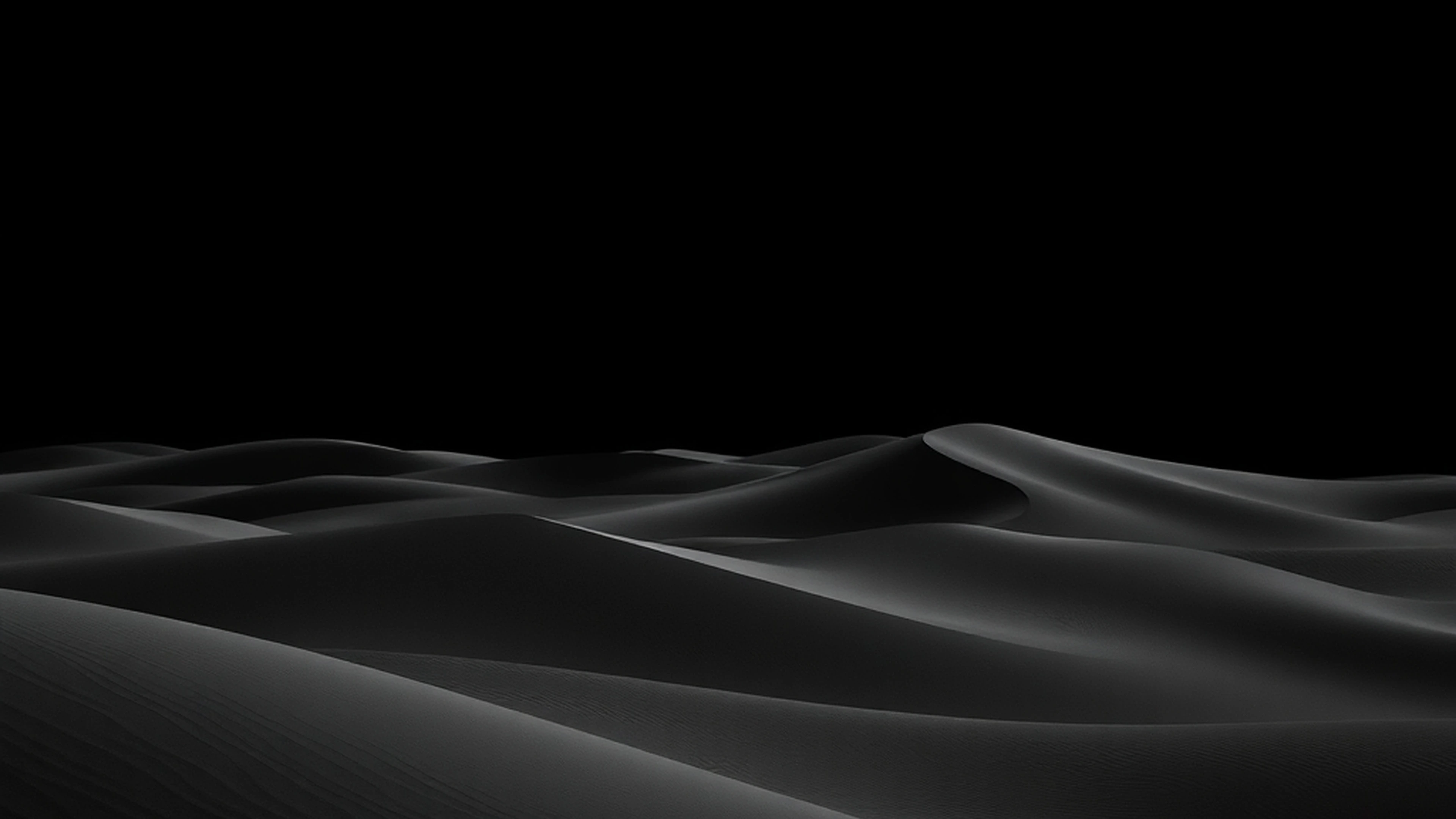
Sometimes, the simplest option is the most effective. A plain black wallpaper offers ultimate versatility and clean aesthetics.
Solid #000000
This is the purest form of black. It is perfect for maximizing battery on OLED screens. This is the ultimate plain black wallpaper.
Slightly Off-Black Tones
Shades like charcoal or deep grey offer subtle variation. They can feel softer than pure black. This provides a less stark appearance.
Matte Finish
A matte version of plain black absorbs light. It creates a soft, velvety look. This is ideal for a sophisticated, understated feel.
High-Definition Clarity
Even a plain screen can have incredible detail. Ensure you select an HD or 4K version. This guarantees sharpness on any display.
Benefits of Simplicity
A plain black background reduces eye strain. It also makes icons and text pop. This is a practical choice for both phone and desktop.
Finding Simple Black Backgrounds
Look on sites like Wallpapers.com for ‘plain black’. Many resources offer simple, high-quality options. These are great for a clean look.
Style and Reference Gallery

Black slate tile texture with subtle cracks. Adds industrial charm to any device.
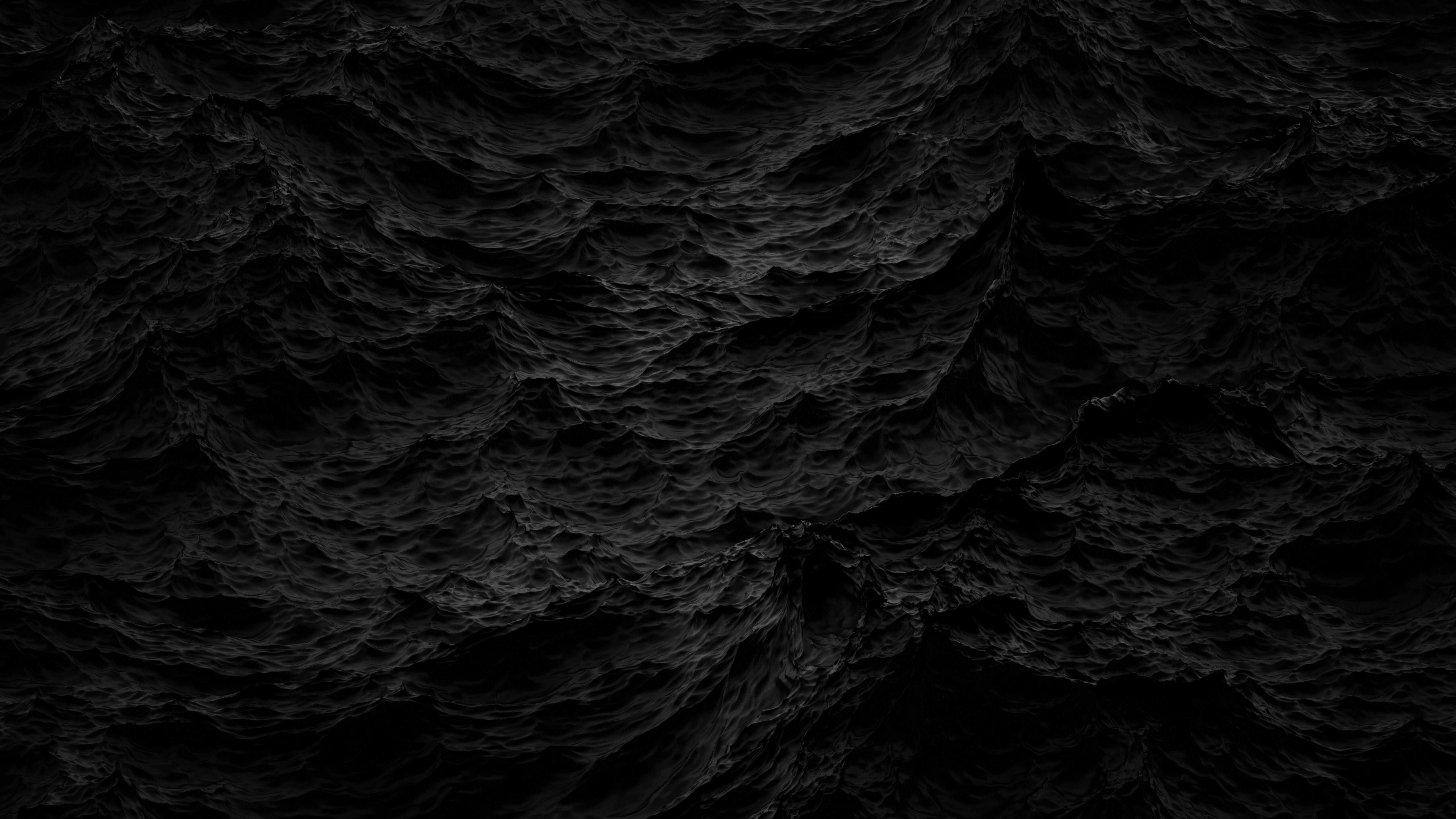
Minimalist black circle in the center. Clean and focused, ideal for icon-heavy layouts.

Black woven fabric texture like linen. Gives a soft, organic feel to the screen.
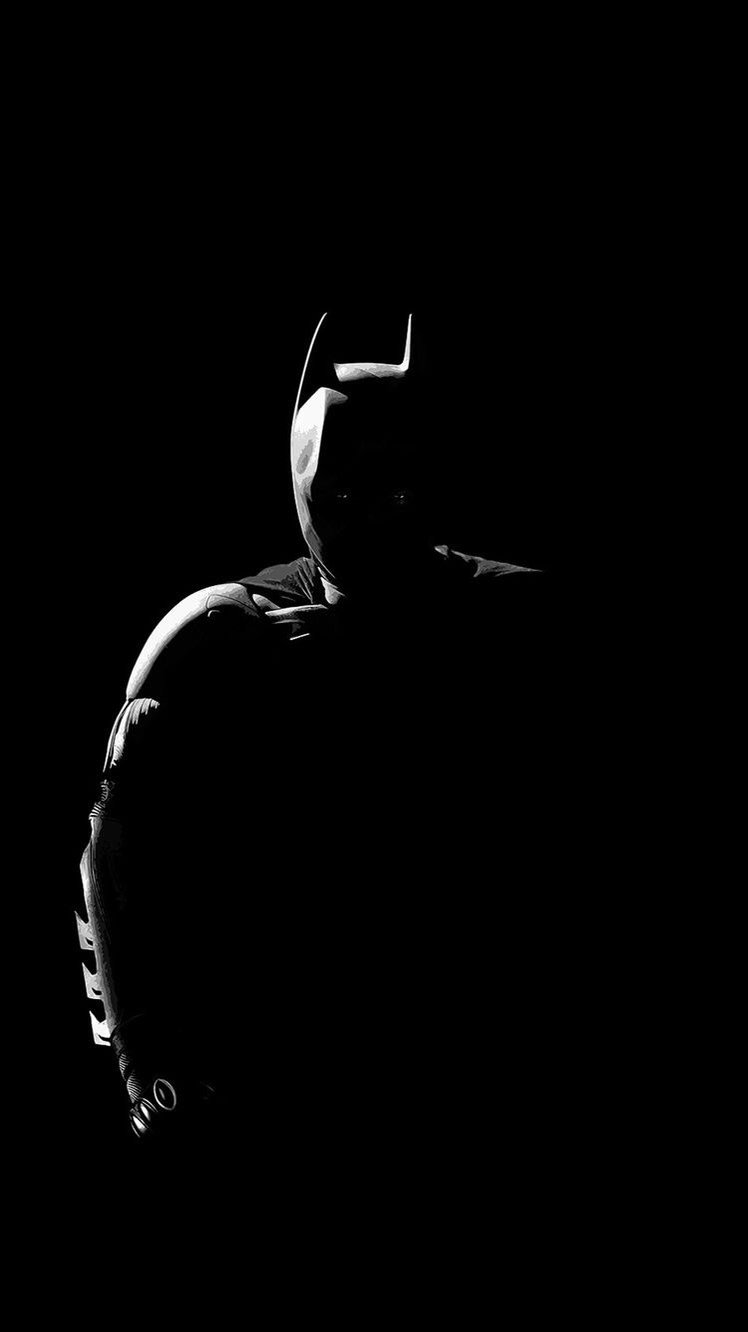
Night sky with tiny white stars on true black. Magical without being too bright.

Black and dark blue waves for a calm, oceanic theme. Works well on ultrawide monitors.

Abstract black splatter on matte background. Edgy and artistic for creative portfolios.
Solid black with a single thin white line. Ultra-minimalist for a decluttered desktop.
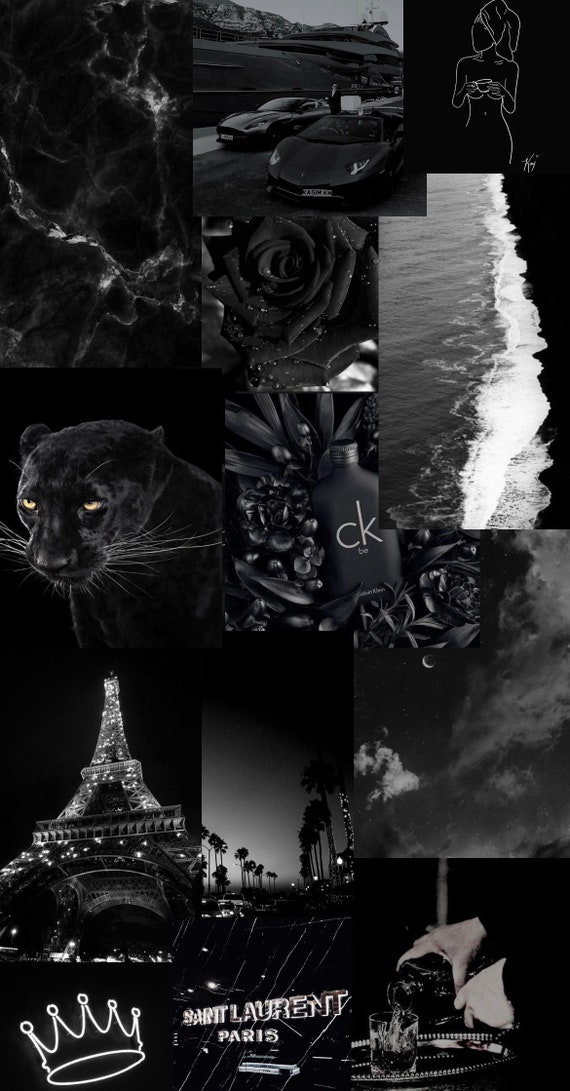
Pure black background with a subtle carbon fiber texture. Adds grip-like visual depth without distraction.

Geometric black and white pattern for a modern, minimalist vibe. Perfect for professional settings.
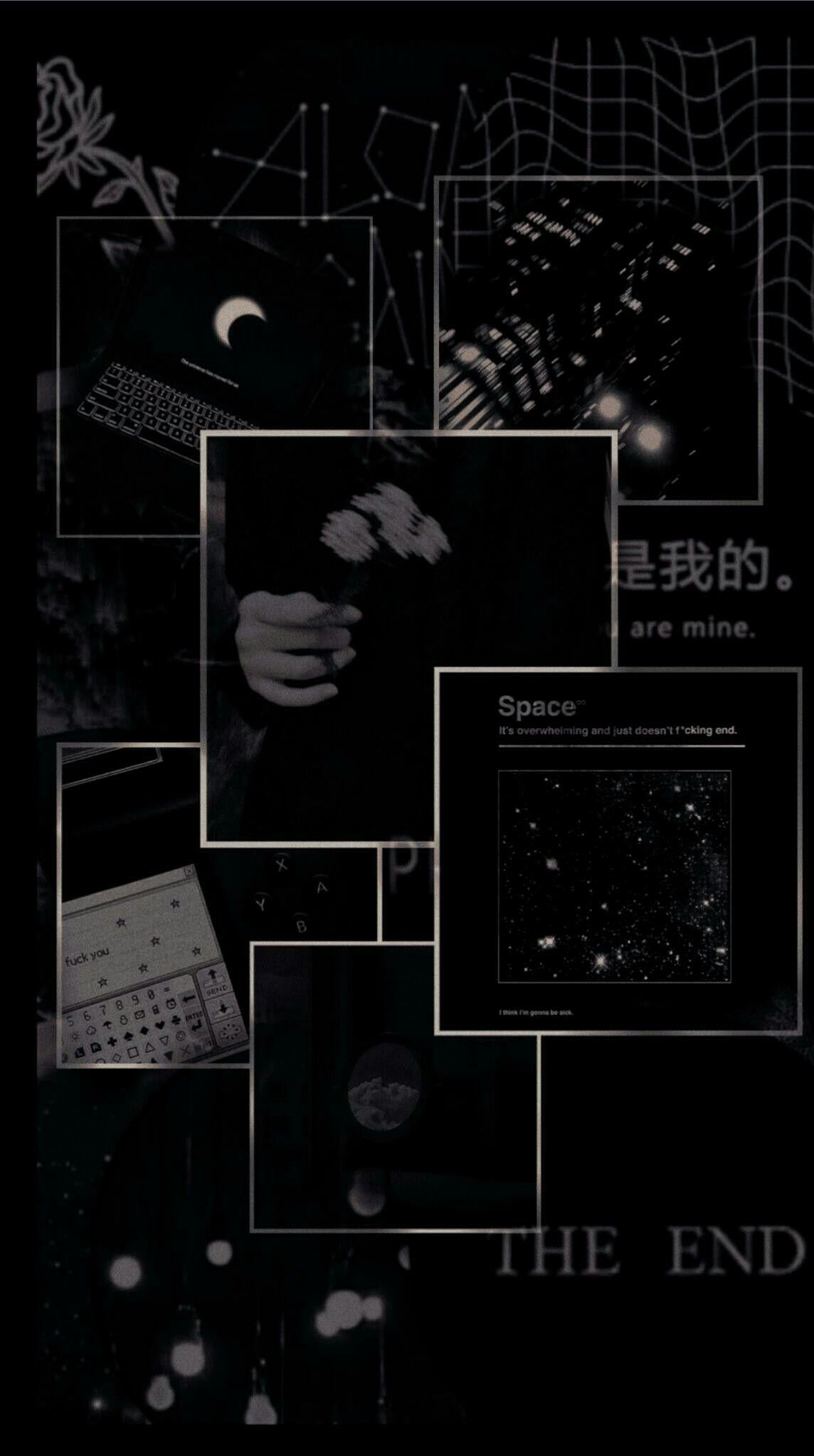
Matte black leather texture that mimics a premium phone case. Softens the screen’s glare.
Abstract black ink swirl on dark gray. Creates an artistic, fluid feel for creative minds.
How to Get the Perfect Black Wallpaper Look
Step-by-Step Guide
- Choose a pure black (#000000) image for OLED devices to save battery and boost contrast. Pick a matte texture or abstract pattern to avoid fingerprints and glare.
- Resize the image to match your screen resolution exactly — 4K for desktops, 1080×2340 for phones. Use a free online tool like Canva or ResizePixel to crop without stretching.
- Apply the wallpaper via your device settings: go to Display > Wallpaper > Select from gallery. For dynamic options, use apps like Walli or Zedge that support true black.
What to Avoid in Execution
- Don’t use a dark gray image thinking it’s close enough — it drains battery on OLED screens and looks washed out. Always verify the hex code is #000000.
- Avoid busy patterns with many tiny details; they create visual noise and make icons hard to read. Stick to large geometric shapes or smooth gradients.
- Never stretch a low-resolution image to fit a large screen — it will appear pixelated and blurry. Always download wallpapers labeled for your exact device model.
Maintenance Tips
- Clean your screen regularly with a microfiber cloth to keep black wallpapers looking deep and rich. Dust and smudges are more visible against a dark background.
- Swap your black wallpaper every few months to prevent screen burn-in on OLED displays. Static elements like the status bar can leave ghost images over time.
Frequently Asked Questions
Does a black wallpaper really save battery?
Yes, on OLED and AMOLED screens, black pixels are turned off completely, so displaying black uses zero power. Tests show up to 30% battery savings compared to a bright wallpaper.
Can I use a black wallpaper on an LCD screen?
Absolutely, but you won’t get battery savings because LCD backlights stay on. However, black wallpapers still reduce eye strain and give a sleek, modern look.
What resolution do I need for a black wallpaper?
For phones, aim for the exact screen resolution (e.g., 1080×2340 for most modern Androids). For desktops, 4K (3840×2160) ensures crispness on large monitors.
Choosing a true black wallpaper is a smart, stylish move that enhances your device’s performance and aesthetics. It’s a simple upgrade that delivers real battery savings and a clean, modern look.
Now, browse our gallery below to find the perfect black wallpaper for your screen. Try a textured or abstract design to add depth without clutter.
In 2026, black wallpapers remain timeless — they adapt to any trend and make your device look effortlessly premium. Embrace the dark side and enjoy a distraction-free, power-efficient display.
